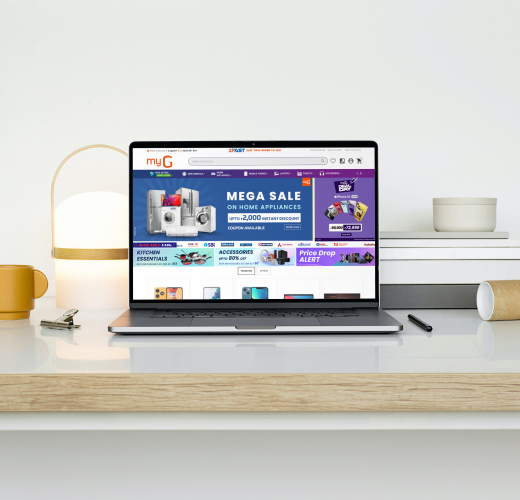
How to Get Your Ecommerce Website Ready for Onam Sales in 2026
Onam is an important sales season for businesses in Kerala. Customers look online for traditional clothing, gifts, home décor, food products, electronics and festive essentials. Thiruvonam falls on Wednesday, August 26, 2026, making this the right time for businesses to prepare their online stores and promotional campaigns. Kerala Government’s 2026 holiday notification
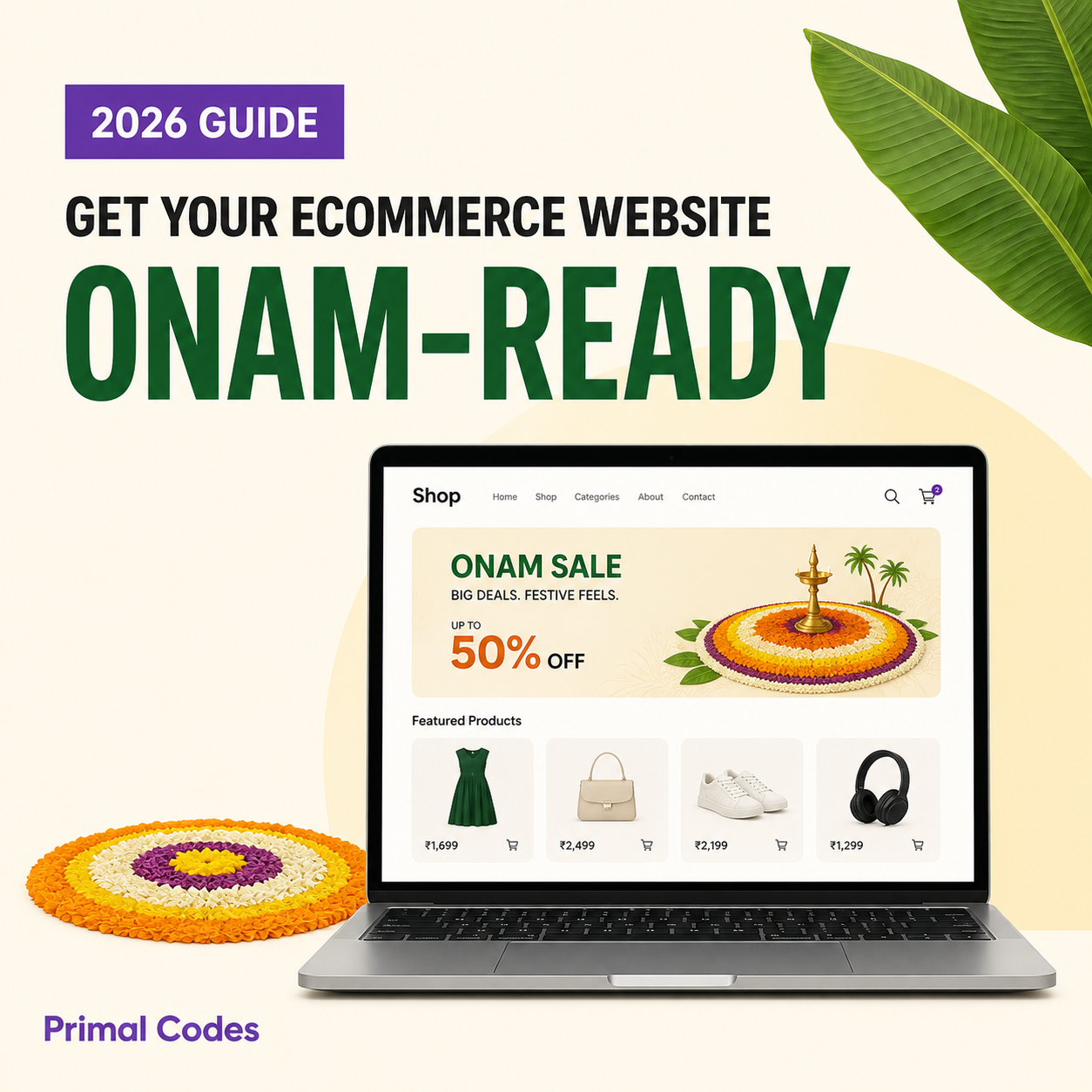
How to Get Your Ecommerce Website Ready for Onam Sales in 2026
Onam is an important sales season for businesses in Kerala. Customers actively search for traditional clothing, gifts, home décor, food products, electronics and other festive essentials.
In 2026, Thiruvonam falls on Wednesday, August 26. Businesses should therefore start preparing their ecommerce websites and promotional campaigns well before the main celebration. Kerala Government’s 2026 holiday notification
Preparing for Onam sales involves more than adding a festive banner. Your banners, collections, product pages, offers, ordering process and delivery information should work together to create a convenient shopping experience.
Start with a Reliable Ecommerce Solution
The first requirement is a reliable ecommerce platform that is easy to set up and manage.
If you are looking for an affordable solution that offers greater value for your investment, PrimeLogue can help you establish and manage your online presence without the cost and complexity of building everything from the beginning.
PrimeLogue provides businesses with a professional website and a mobile application backend. Business owners can add and update products through the mobile application, making it easier to manage the online store even when they are away from a computer.
Depending on the selected solution, businesses can use PrimeLogue to:
- Create a branded business website
- Add and organise products
- Update product images, descriptions and prices
- Manage products using a mobile application
- Highlight banners, promotions and new arrivals
- Receive customer orders and enquiries
- Share a downloadable, clickable product catalogue
- Create Google-friendly product pages
- Manage product information from one place
Once the right ecommerce platform is ready, you can begin preparing your Onam campaign.
1. Add Attractive Onam Banners
Give your website a festive appearance with professionally designed Onam banners.
Instead of using only one homepage banner, create different banners for:
- Onam special offers
- New festive arrivals
- Traditional collections
- Gift collections
- Combo offers
- Limited-time discounts
- Special delivery announcements
Every banner should include a clear call-to-action such as Shop Now, View the Collection or Explore Onam Offers.
The call-to-action should take the customer directly to the related product, collection or shopping page. For example, a banner promoting Onam sarees should open the saree collection instead of redirecting customers to a general page.
Keep the designs festive but simple. Customers should be able to understand the offer immediately.
2. Create a Dedicated Onam Shopping Page
Create a special Onam page that brings the complete campaign together.
This page can include:
- Onam campaign banners
- Featured products
- Festive collections
- New arrivals
- Best-selling products
- Gift recommendations
- Combo offers
- Special discounts
- Delivery information
A dedicated Onam page gives customers a clear starting point for their shopping journey. It also provides one campaign link that can be shared through WhatsApp, Instagram, Facebook, email and online advertisements.
Arrange the page in a logical order. Start with the main campaign banner, followed by featured collections, offers, popular products and delivery information.
3. Create Onam Special Collections
Customers should not have to search through your entire catalogue to find festive products.
Organise products into useful Onam collections such as:
- Onam Special Offers
- Onam Sarees
- Traditional Wear
- Onam Gifts
- Home and Festive Décor
- Onam Essentials
- Gifts Under ₹999
- Premium Gift Collections
- Onam Combo Offers
Choose collection names based on what your customers are likely to search for. A well-organised catalogue makes product discovery faster and allows you to run more focused promotions.
4. Update Your Product Catalogue
Check every product you plan to promote before launching the campaign.
Review and update:
- Product names
- Product photographs
- Descriptions
- Prices
- Discounted prices
- Available sizes and colours
- Product categories
- Stock availability
- Delivery information
Use clear, high-quality photographs and add multiple product views wherever possible. Customers should be able to understand the product without contacting your team for basic information.
Remove unavailable products from featured sections. Products that cannot be delivered before Onam should not be promoted as festival-ready items.
With PrimeLogue’s mobile application backend, businesses can update their products and prices without depending on a desktop computer.
5. Highlight Your Onam Offers
Make your festive promotions easy to identify and understand.
Your Onam offers may include:
- Percentage discounts
- Fixed-price discounts
- Coupon codes
- Buy-one-get-one offers
- Combo packages
- Free gifts
- Free delivery
- Limited-time deals
Display the original price, discounted price and offer conditions clearly. If an offer is available only for a limited period, show its expiry date.
You can also create sections such as Today’s Onam Deals, Festive Best Sellers and Limited-Time Offers to give selected products greater visibility.
Avoid complicated offers that customers may not understand.
6. Connect Banners Directly to Products
A customer who clicks an advertisement or banner should reach the relevant shopping page immediately.
For example:
- An Onam saree banner should open the saree collection.
- A gift banner should open the Onam gifts page.
- A combo offer should open the applicable product bundle.
- A “Shop Under ₹999” banner should open the matching collection.
- A discount banner should show only eligible products.
This direct shopping experience reduces unnecessary steps between product discovery and purchase.
Check every campaign link before publishing your banners or advertisements.
7. Make the Website Mobile-Friendly
Many customers will discover your Onam campaign through WhatsApp, Instagram or Facebook and open the website on a smartphone.
Test the website on different mobile devices and confirm that:
- Banners are properly displayed
- Text remains readable
- Product images load correctly
- Categories are easy to navigate
- Search and filters work
- Add-to-cart buttons are easy to use
- Checkout forms are simple
- Payment pages work correctly
- Order confirmation is displayed
A customer should be able to discover a product, place an order and complete payment entirely from a mobile phone.
8. Simplify Ordering and Checkout
A complicated checkout process can cause customers to leave without completing their orders.
Keep ordering simple by providing:
- Clear product options
- Easy cart management
- Simple address entry
- Multiple payment methods
- Visible delivery charges
- Working coupon codes
- Accurate order totals
- Immediate order confirmation
Test the complete ordering process before promoting your Onam campaign. Place a test order using both a desktop and mobile phone.
9. Prepare Your Stock and Delivery Information
Make sure that promoted products have sufficient stock. Update product availability regularly during the campaign.
You should clearly display:
- Available stock
- Estimated dispatch time
- Expected delivery date
- Final date for pre-Onam delivery
- Available delivery locations
- Delivery charges
- Store pickup options, if applicable
- Possible festive-season delays
Do not promise delivery before Onam unless your team and delivery partners can fulfil that promise.
10. Promote Your Onam Shopping Page
Once your website is ready, promote the dedicated Onam page across the channels your customers use.
These may include:
- WhatsApp messages
- Instagram posts and stories
- Facebook campaigns
- Email newsletters
- Google Business Profile
- Online advertisements
- Existing customer groups
Keep the visuals, offers and messaging consistent across every platform. Link each promotion directly to the most relevant page on your website.
Onam Ecommerce Readiness Checklist
Before launching your campaign, confirm that you have:
- Added Onam banners
- Created a dedicated Onam page
- Organised festive collections
- Updated product images and descriptions
- Verified prices and stock
- Configured discounts and coupon codes
- Connected banners to relevant products
- Tested the website on mobile devices
- Tested cart, checkout and payment
- Added delivery information
- Prepared promotional content
- Placed a complete test order
Don’t Have an Ecommerce Website Yet? Start Today
If your business still does not have an ecommerce website, you can start today with PrimeLogue.
PrimeLogue offers a cost-effective way for small and growing businesses to establish an online presence. You can create a professional website, add products, update information through a mobile application and start receiving customer enquiries or orders.
You do not need to wait for a large custom-development project before beginning your online journey. Start by creating your product catalogue, adding your most important products and preparing the collections you want to promote during Onam.
Explore PrimeLogue to learn how you can set up and manage your online presence.
Need a Complex or Enterprise Ecommerce Platform?
PrimeLogue is suitable for businesses that want a reliable, affordable and easy-to-manage ecommerce solution.
However, some businesses require more complex functionality, such as:
- Custom ordering workflows
- B2B ecommerce
- Multi-vendor marketplaces
- Advanced inventory management
- ERP or accounting integrations
- Multiple warehouses
- Dealer or distributor management
- Custom mobile applications
- High-volume transaction management
- Specialised reporting and automation
For complex or enterprise-level ecommerce development, you can contact the Primal Codes Technologies team. The team can understand your requirements and develop a custom solution that fits your operations and growth plans.
Make Your Ecommerce Business Onam-Ready
A successful Onam campaign is not created with a banner alone. Your website should guide customers smoothly from the campaign banner to the right collection, product, offer and checkout page.
Start early, organise your catalogue and make festive products easy to discover. Ensure that your website works well on mobile devices and communicates prices, offers, stock and delivery details clearly.
If you want an affordable and easy-to-manage online platform, start with PrimeLogue.
For complex, custom or enterprise ecommerce requirements, connect with Primal Codes Technologies.
Start preparing today and make your ecommerce business ready for Onam sales in 2026.
Works